Offline Mapping Suite

Introducing

High-performance, offline-first mapping for traffic, engineering, civil works, utilities, and planning teams. Powered by intelligent caching, Nearmap integration, and Allentech’s ultra-fast tile engine.

*NEW* Create a compliant TGS in 3 minutes

Map icon Base Layers

Switch instantly between aerial, street, topographic and cadastral mapping for better planning decisions.

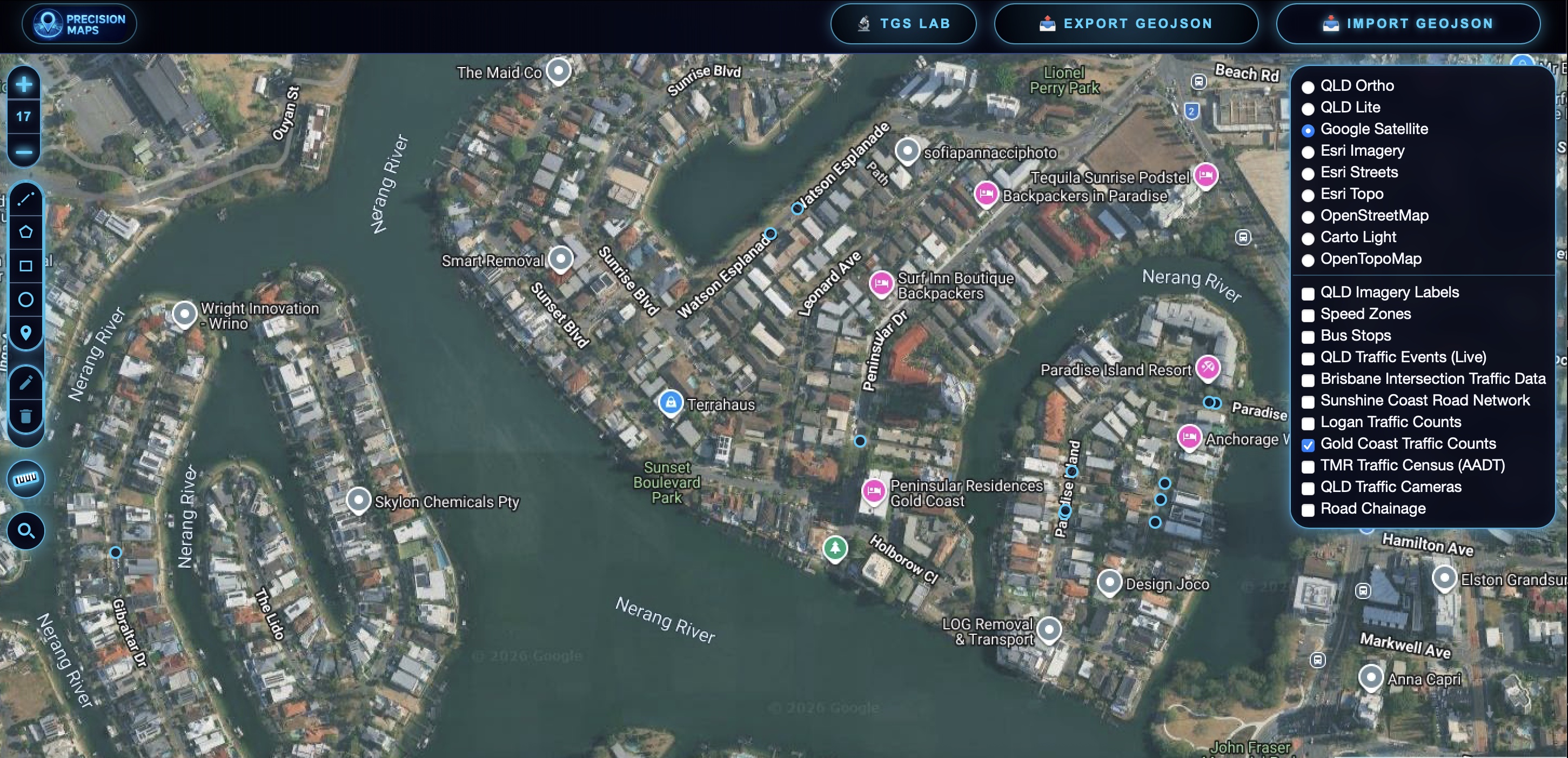
Google Satellite

Google Satellite

High resolution satellite imagery for site inspections, access reviews and pre-planning.
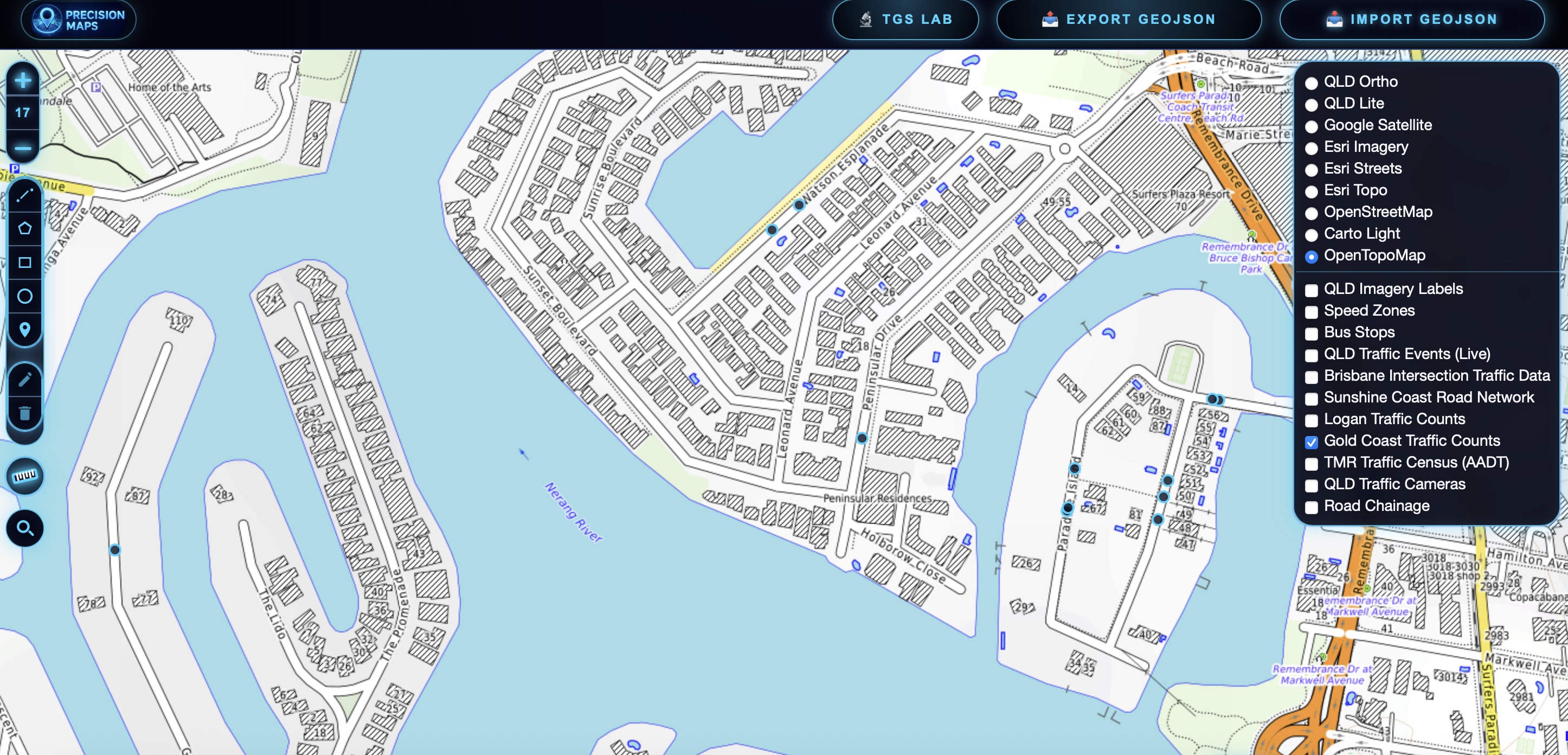
Topograophic

Topographic

Detailed terrain, contour and elevation mapping to support planning, access reviews and site assessments.
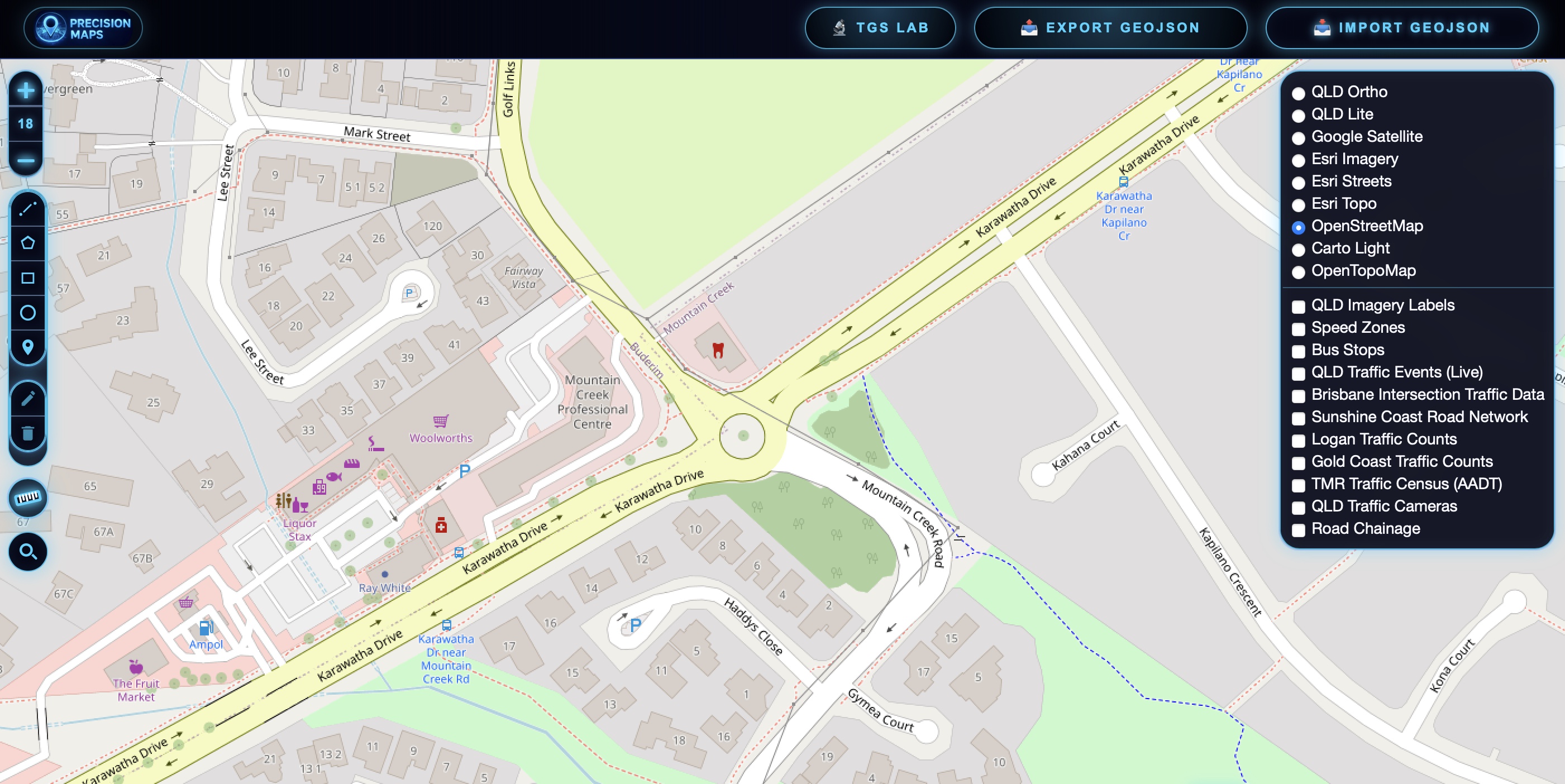
Open Street Map

Open Street Map

Community-maintained street mapping with roads, pathways, landmarks and points of interest for everyday navigation and planning.
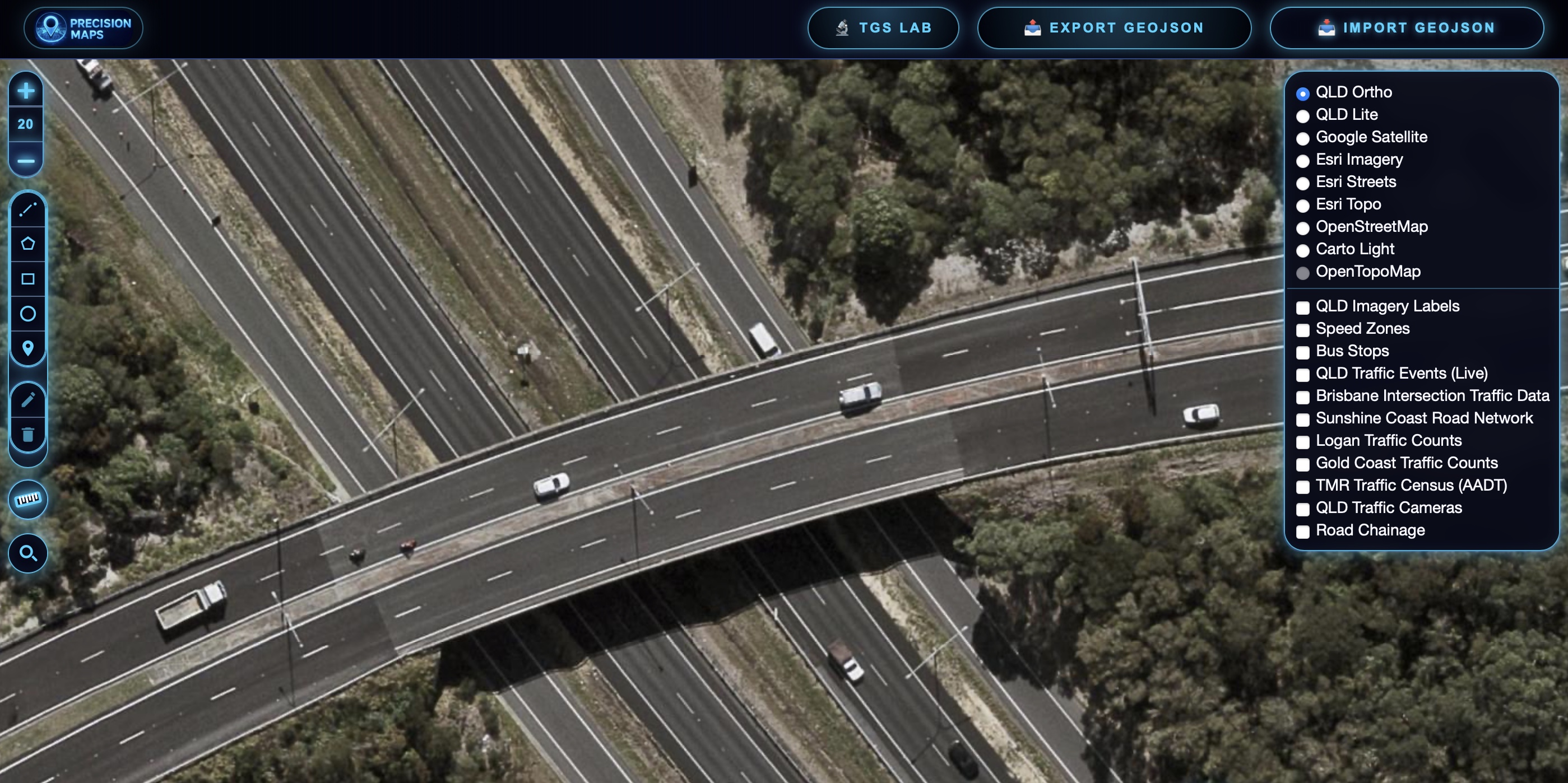
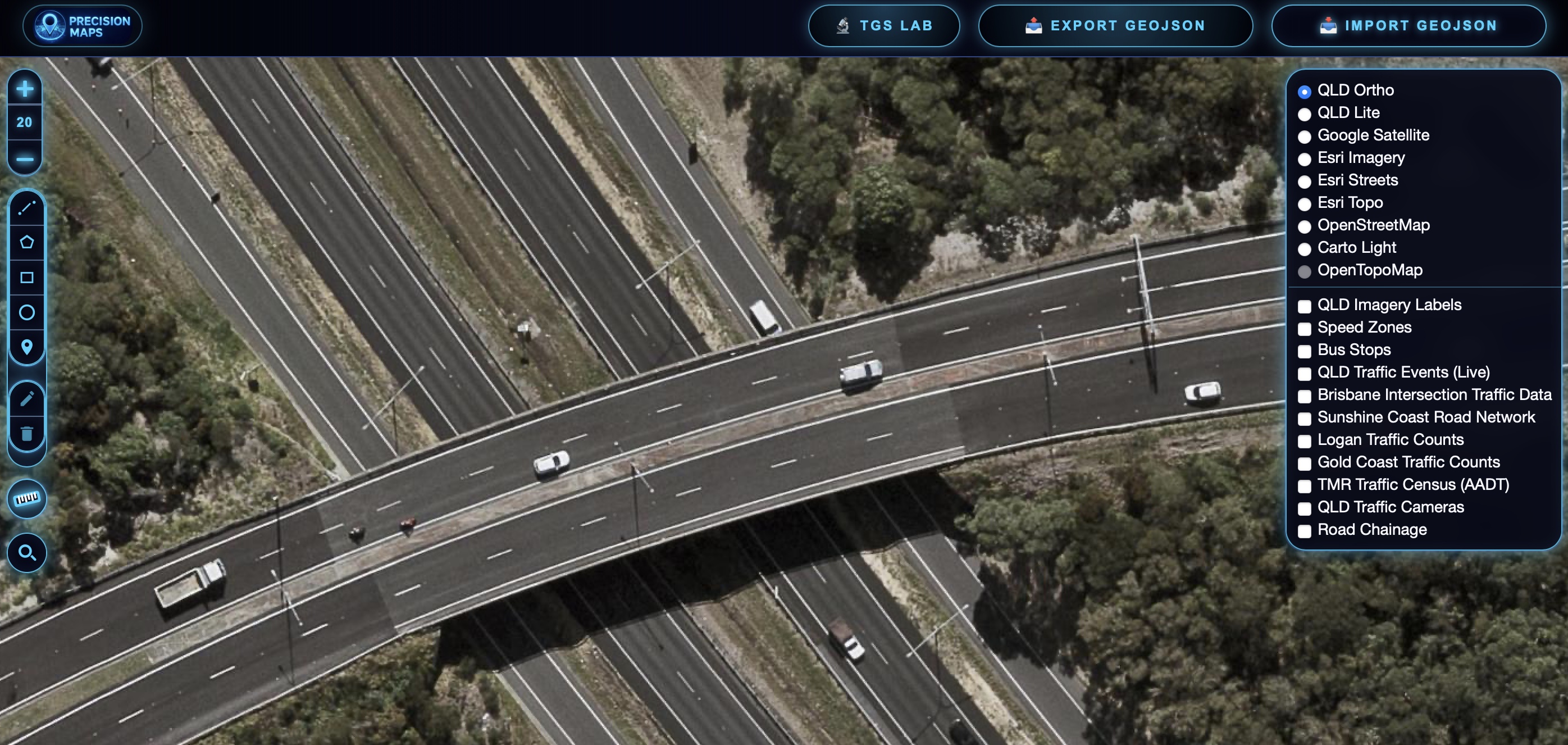
Queensland Ortho

Queensland Ortho

Queensland Government aerial imagery providing reliable statewide coverage for planning, asset management and site investigations.
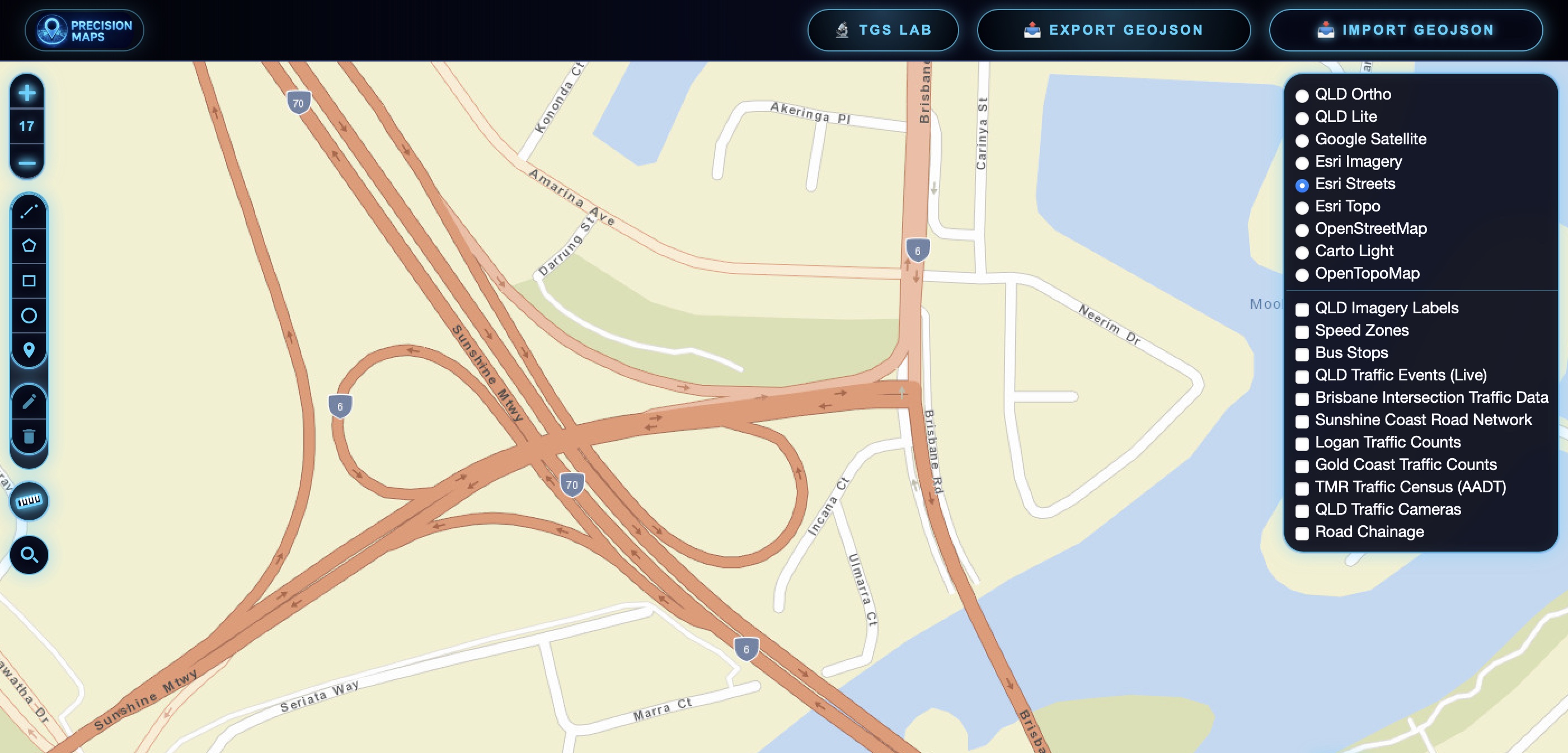
Esri Streets

ESRI Streets

Clear, easy-to-read street mapping with road names, addresses and transport networks for route planning and location searches.
ESRI Images

ESRI Images

Professional-grade aerial and satellite imagery offering broad coverage and frequent updates for planning and situational awareness.

Map icon Data Overlays

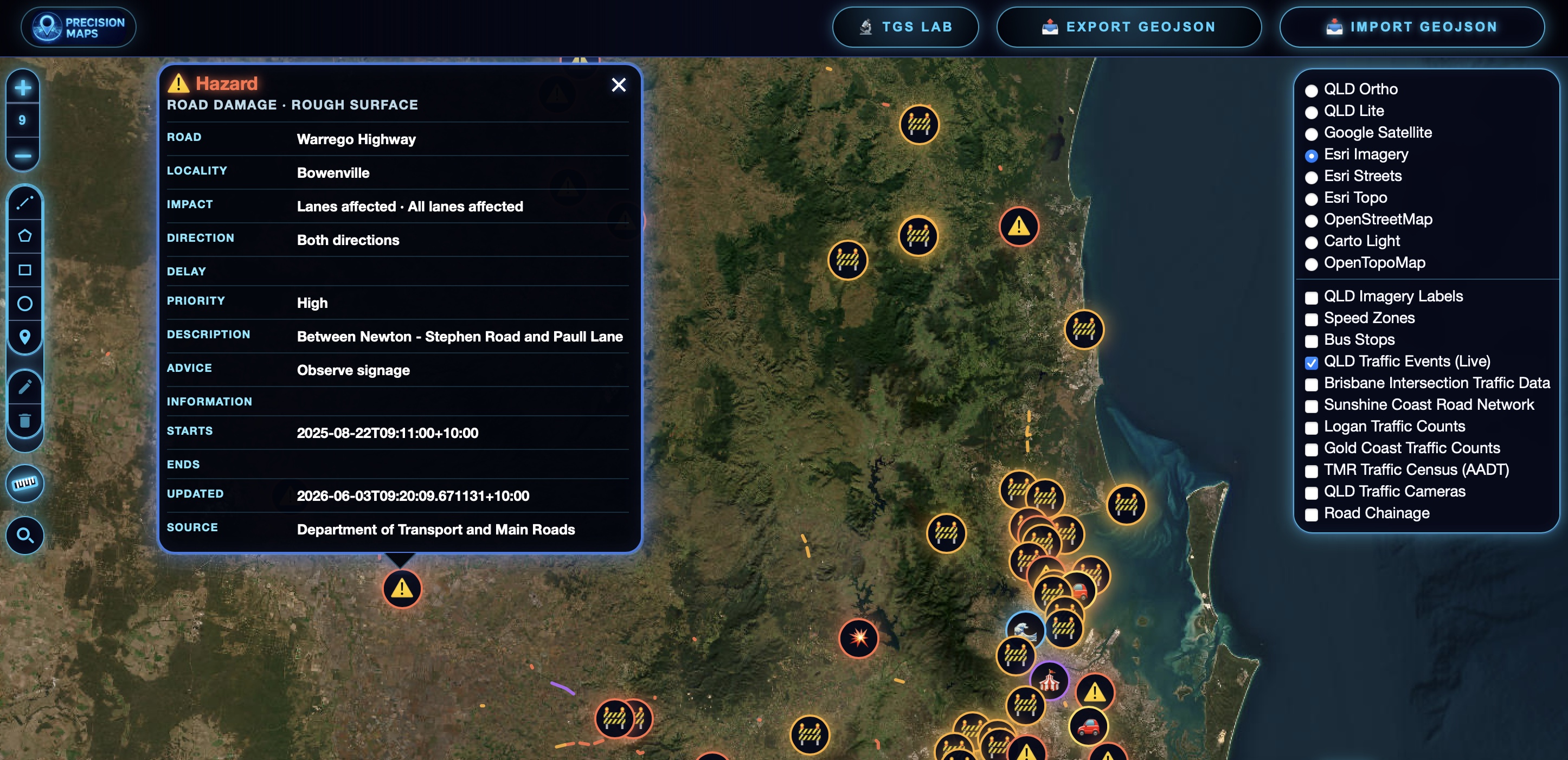
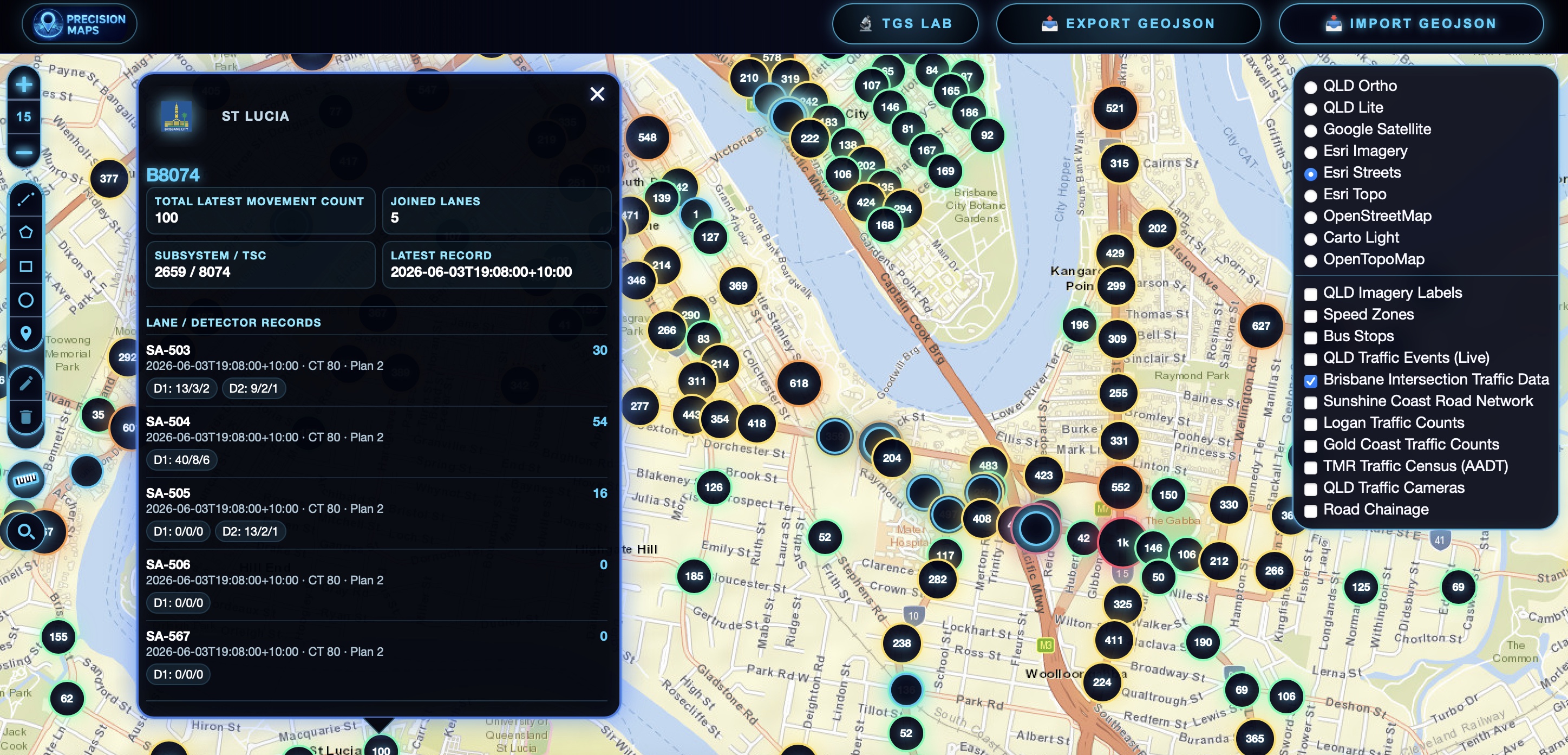
Live Traffic Incidents

Live Traffic Data

Live road closures, incidents, hazards and traffic disruptions sourced directly from QLD Traffic.
Live Intersection

Live Intersection data

Live intersection movement counts and traffic signal data updated directly from Brisbane City Council.
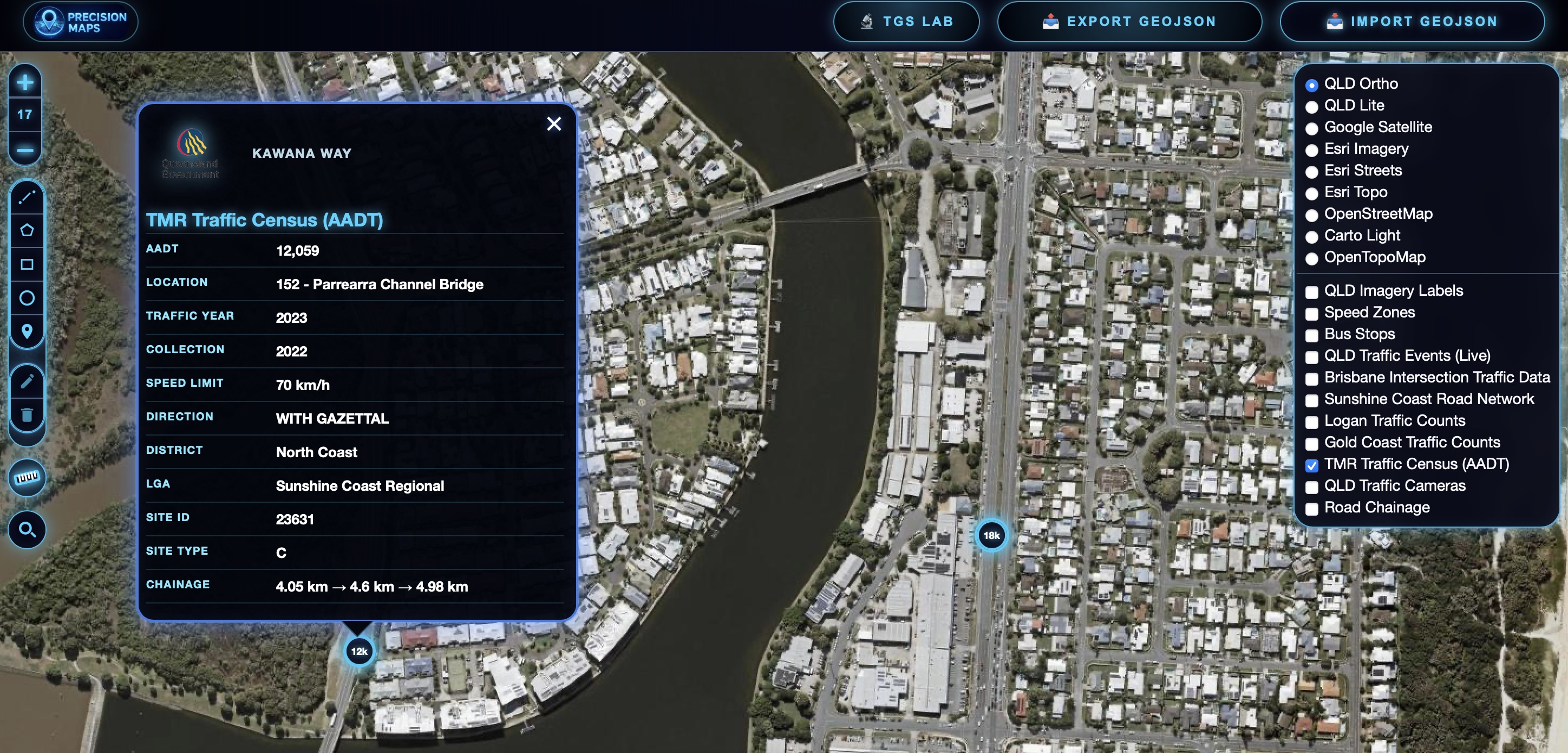
Traffic Counts

Traffic Counts

Traffic census data with AADT, vehicle classification and growth statistics.
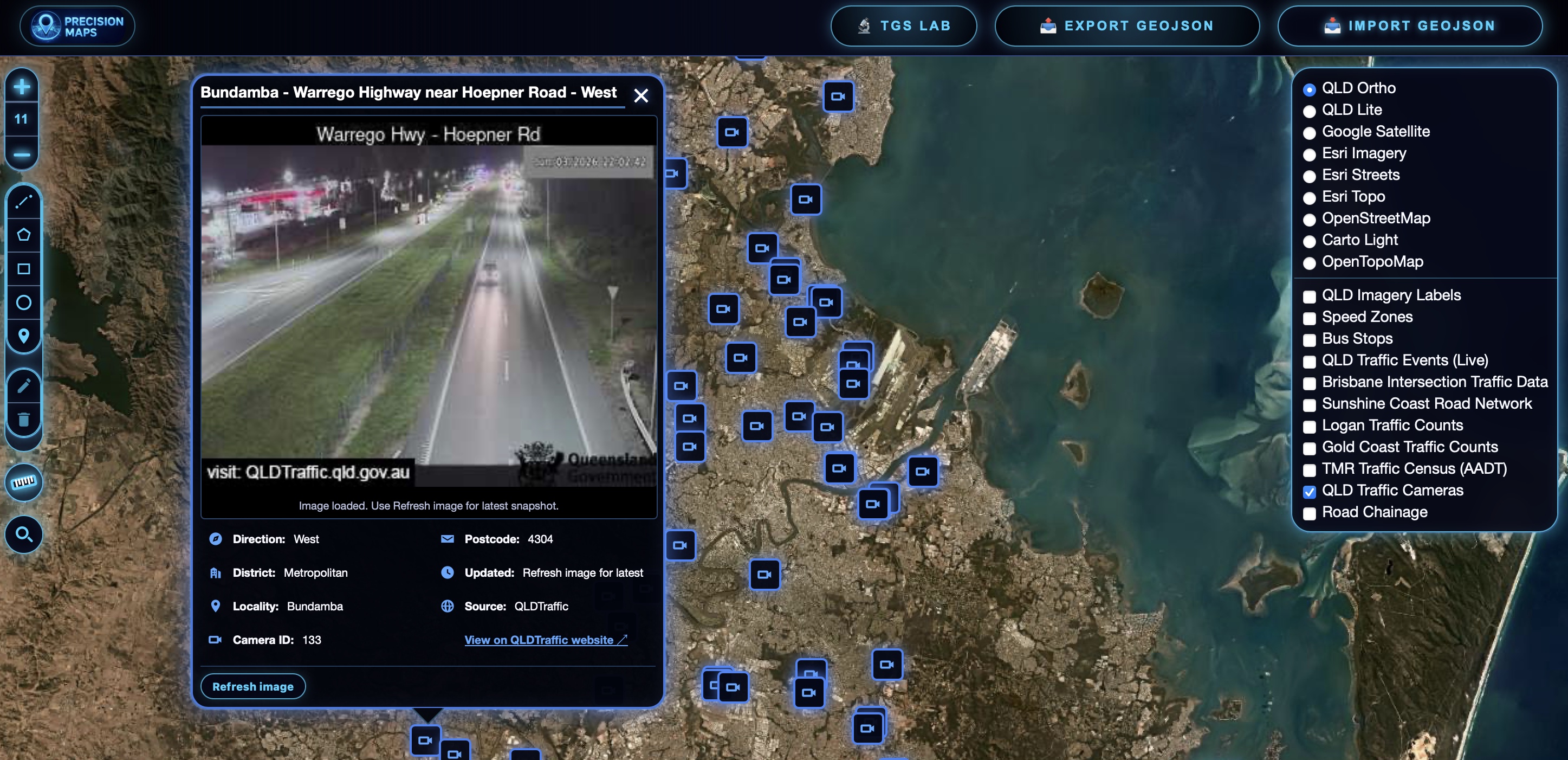
Traffic Cameras

Traffic Cameras

Live traffic camera feeds refreshed automatically for real-time road monitoring.
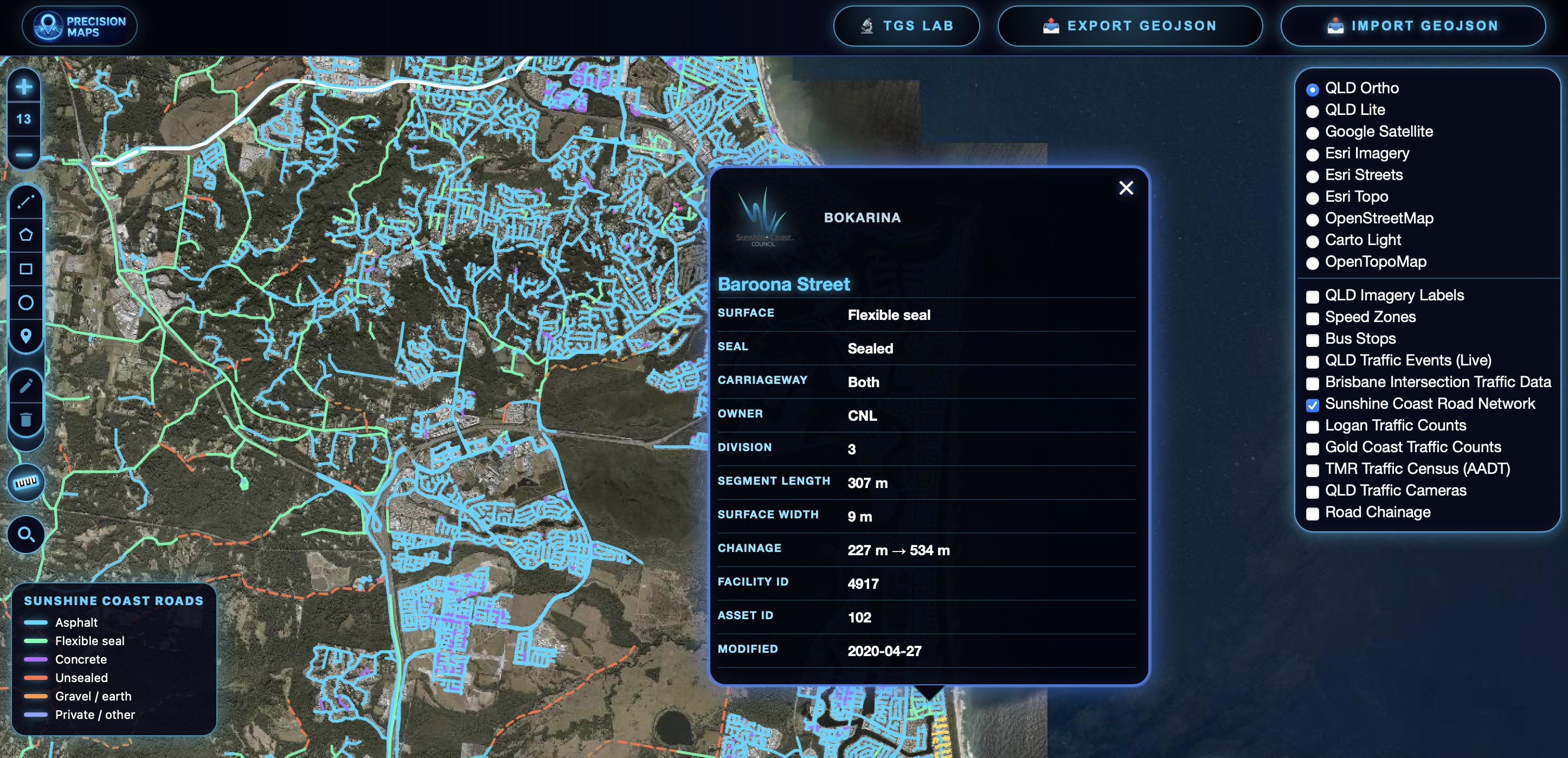
Road Surfaces

Road Surface

Detailed road surface and pavement information including asphalt, concrete, gravel and unsealed roads across the Sunshine Coast region.
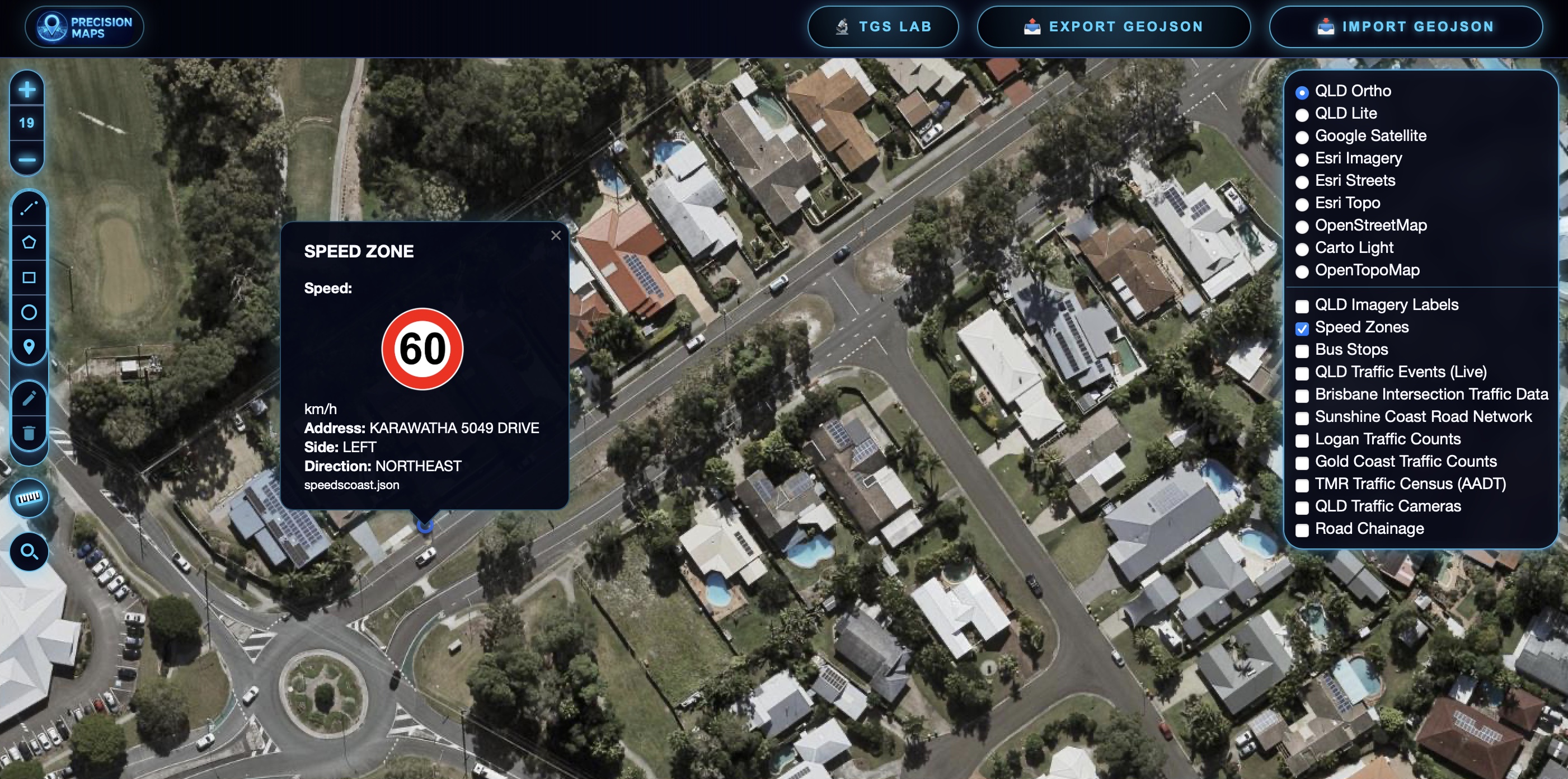
Speed Zones

Speed Zones

Statewide speed limit mapping to support compliant traffic control planning, risk assessments and worksite design.

Map icon Tools & Features

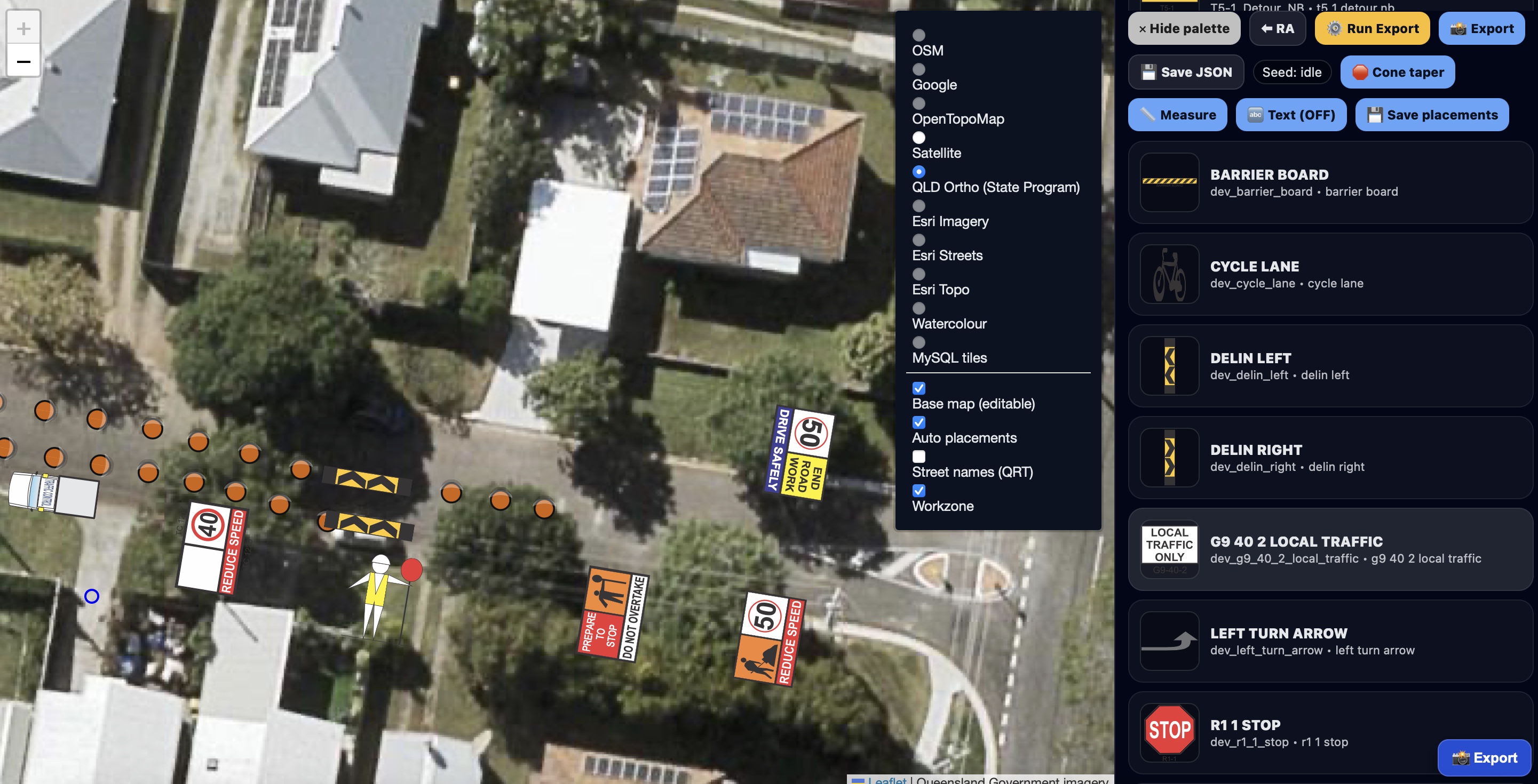
TGS Editor

Automated Traffic Guidance Scheme (TGS) Creation

Generate compliant Traffic Guidance Schemes in minutes using intelligent automation, site conditions and traffic management best practice. Export professional PDF plans ready for review and deployment.
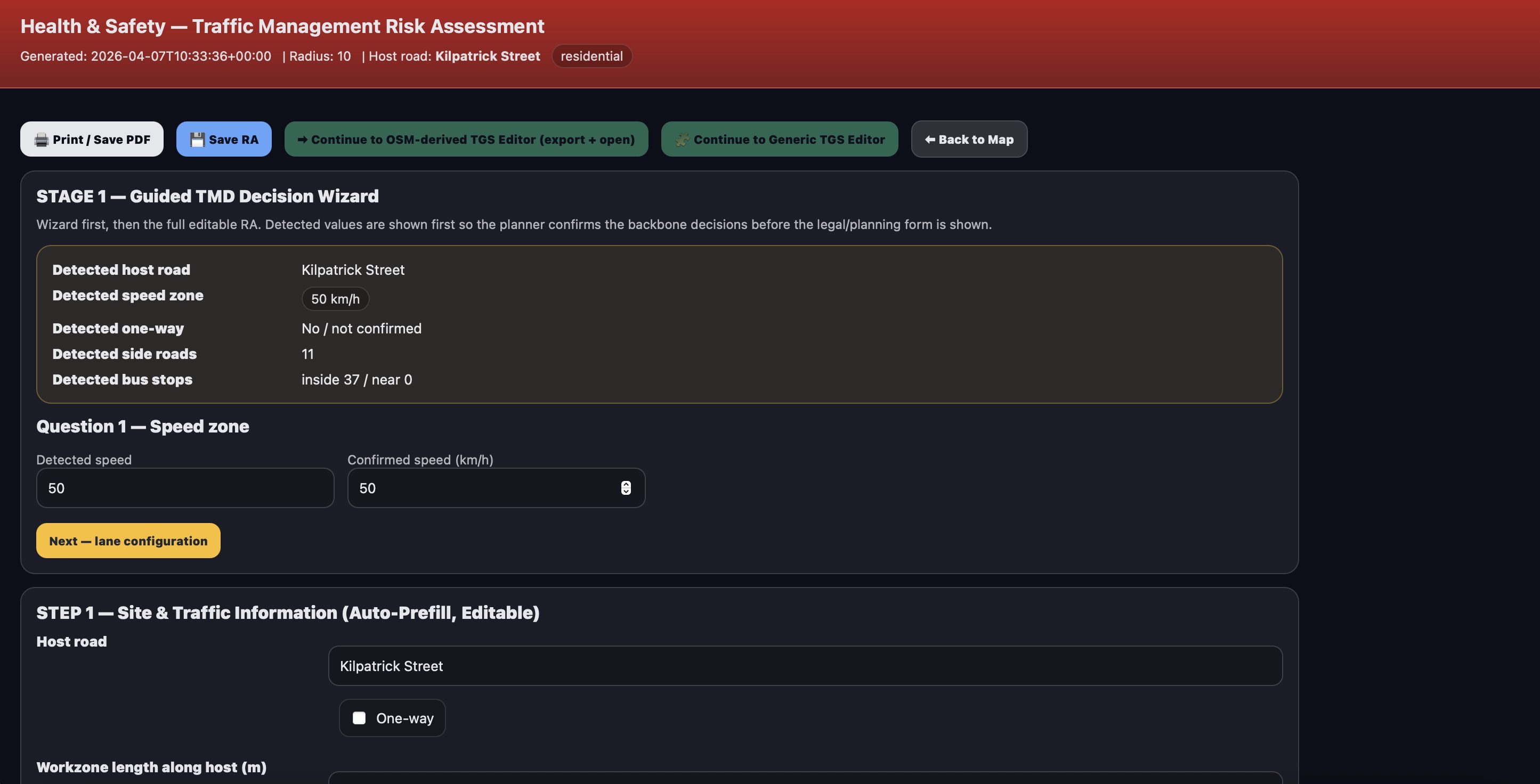
Risk Assessment

Integrated Risk Assessment Builder

Create comprehensive risk assessments with smart pre-filled controls, editable fields and planner overrides. Generate professional documentation suitable for client and compliance requirements.
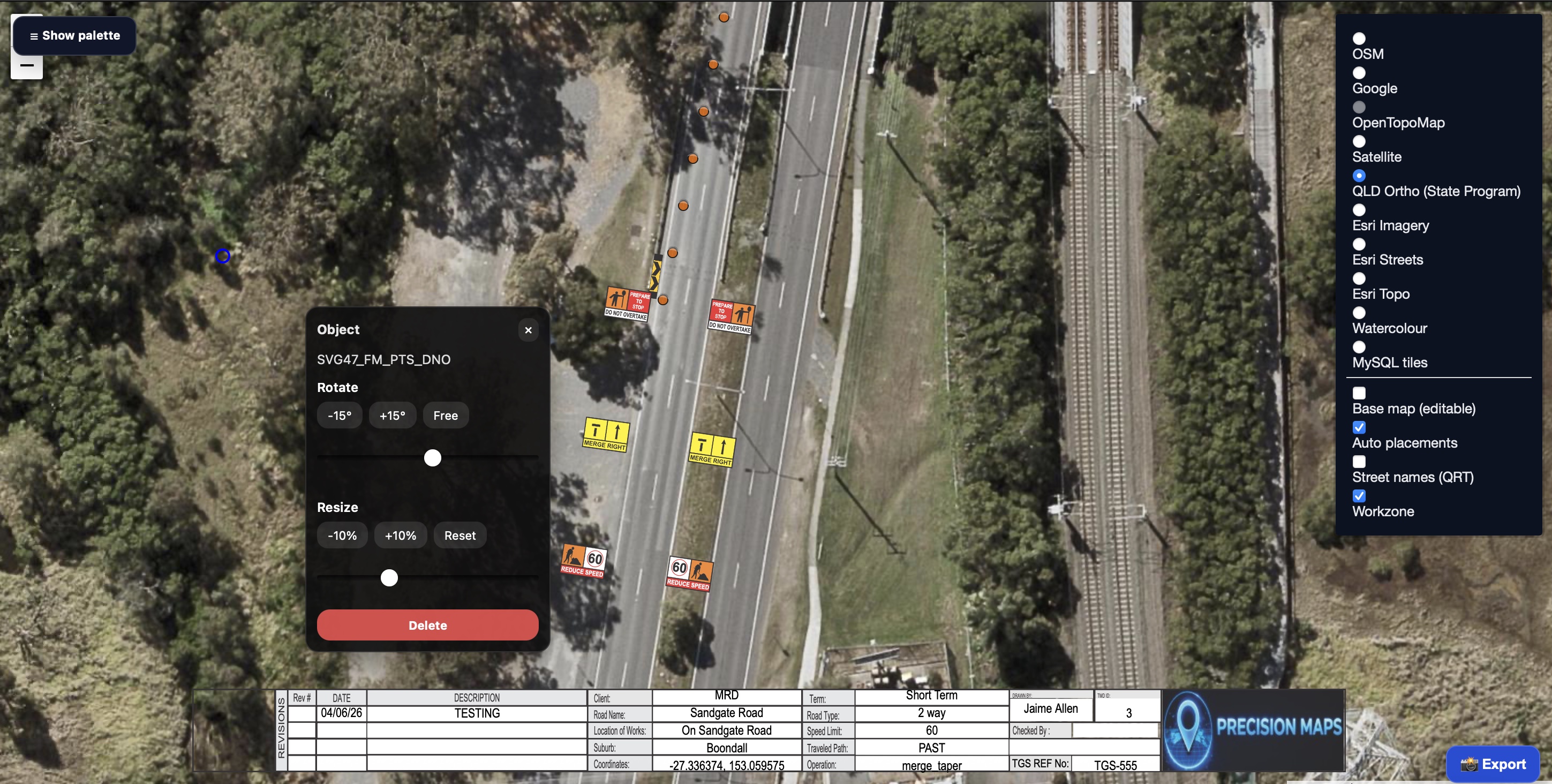
TGS Editor TGS Editor

Advanced Traffic Guidance Scheme Editor

Fine-tune every aspect of your plan with a powerful visual editor. Move, rotate, scale and customise signs, devices, vehicles and title blocks with complete control over the final layout.
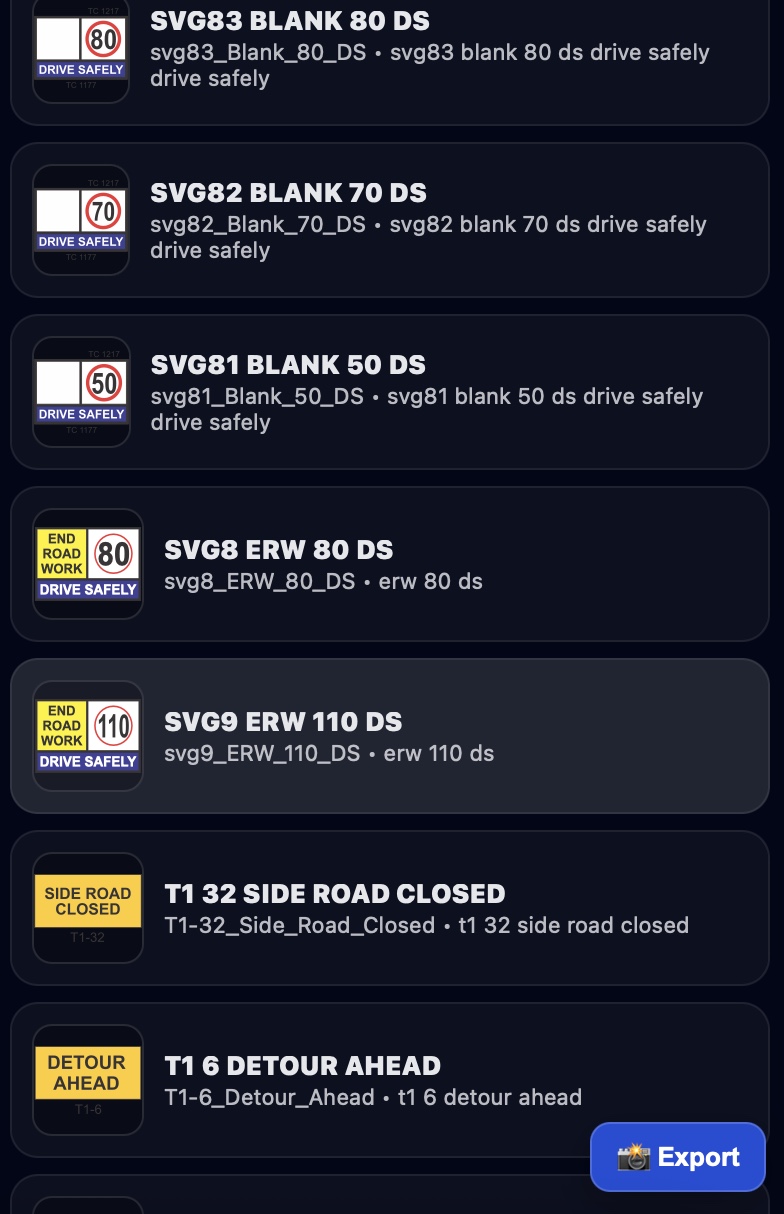
TGS Editor TGS Editor

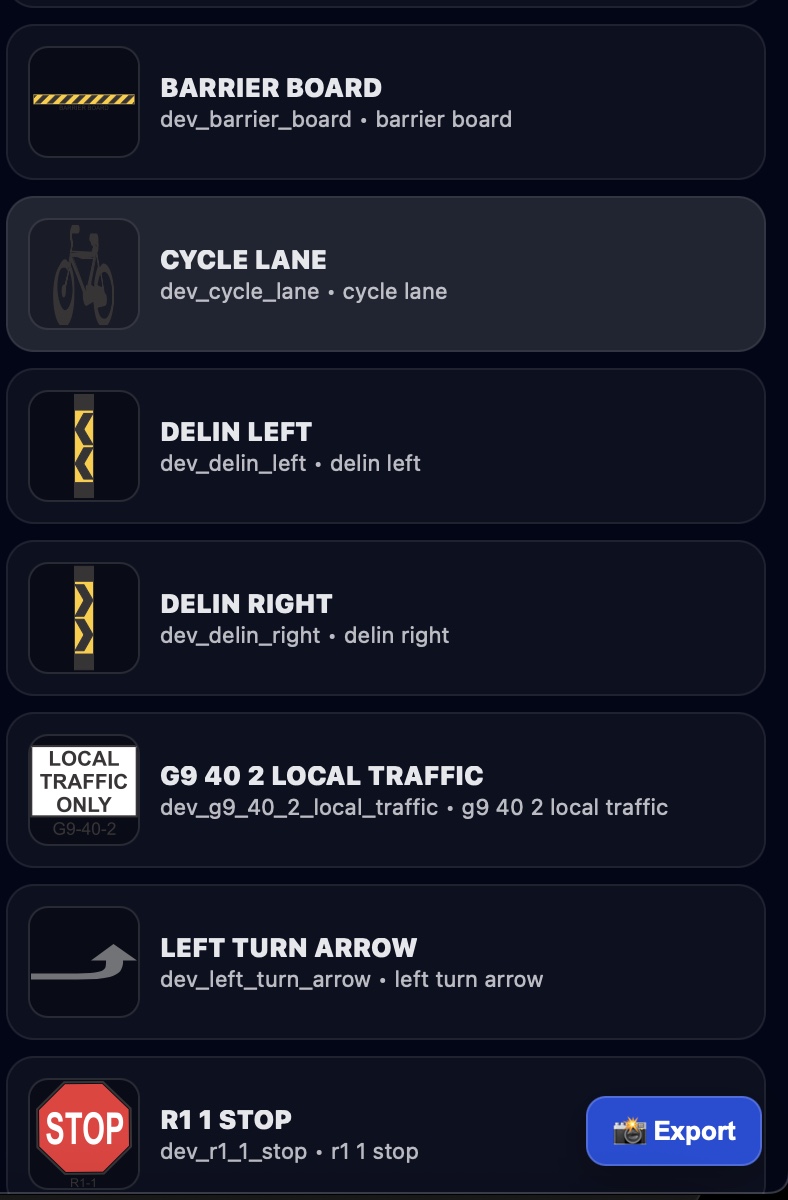
Comprehensive Object & Sign Library

Access an extensive library of traffic control devices, signage, vehicles and worksite objects. Drag-and-drop tools allow rapid plan customisation while maintaining consistency and compliance.

File Import / Export

Load and export KML, KMZ, GeoJSON.

Measurement Tool

Distance + area with full bearing readout.

Search & Geocoder

Instantly locate job sites by address/name.

Marker Clustering

Smooth performance with large datasets.

Street View Integration

One-click access to Google Street View.